 DataLens
Turn the grid into one table, which Instagram cannot do
Instagram only shows posts one tile at a time. One run turns the post grid of a profile into rows of post links you can sort, filter and download.
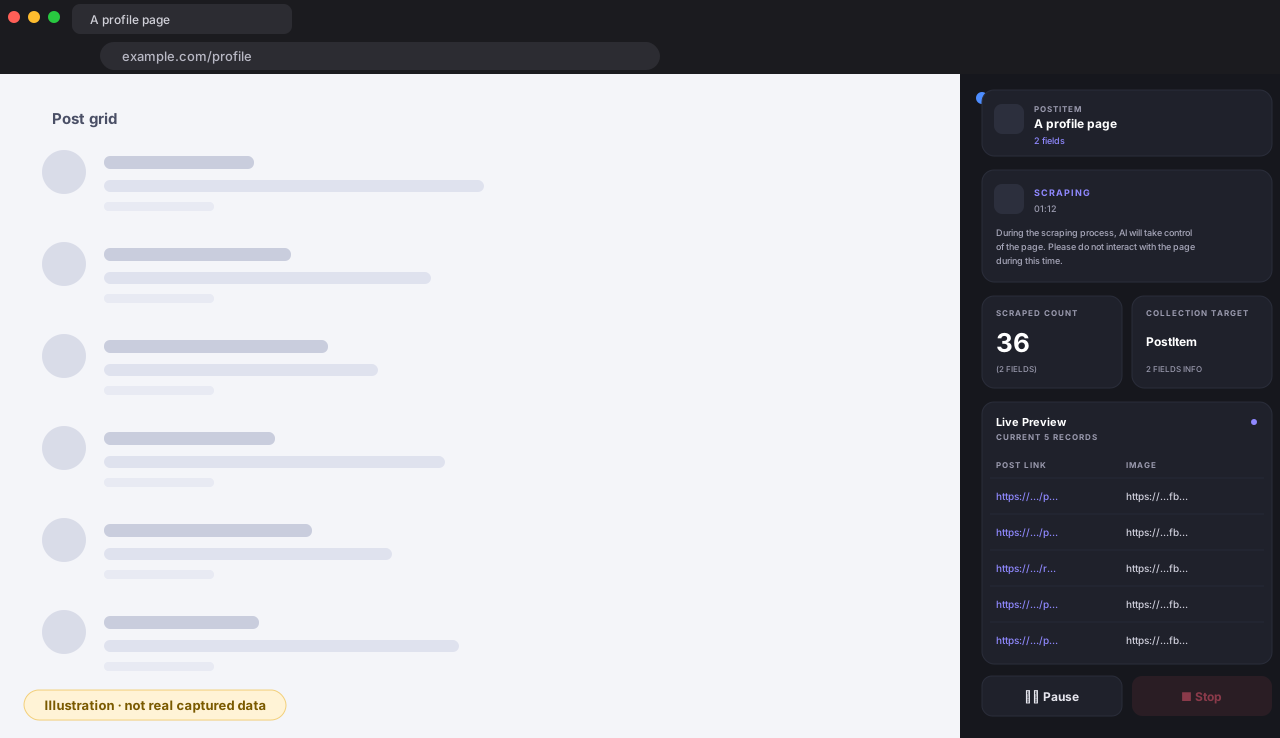
Sign in to Instagram, open a public profile and DataLens turns the post grid into a table with two columns: the post link and the cover image URL. In our run on November 3, 2026 it returned 30 rows in about 6 seconds. It does not return likes, comments, dates or caption text, and the image URLs expire, so download the images soon after exporting. Download as CSV, Excel or JSON.
Free · Runs in your own browser
Back to Instagram Scraper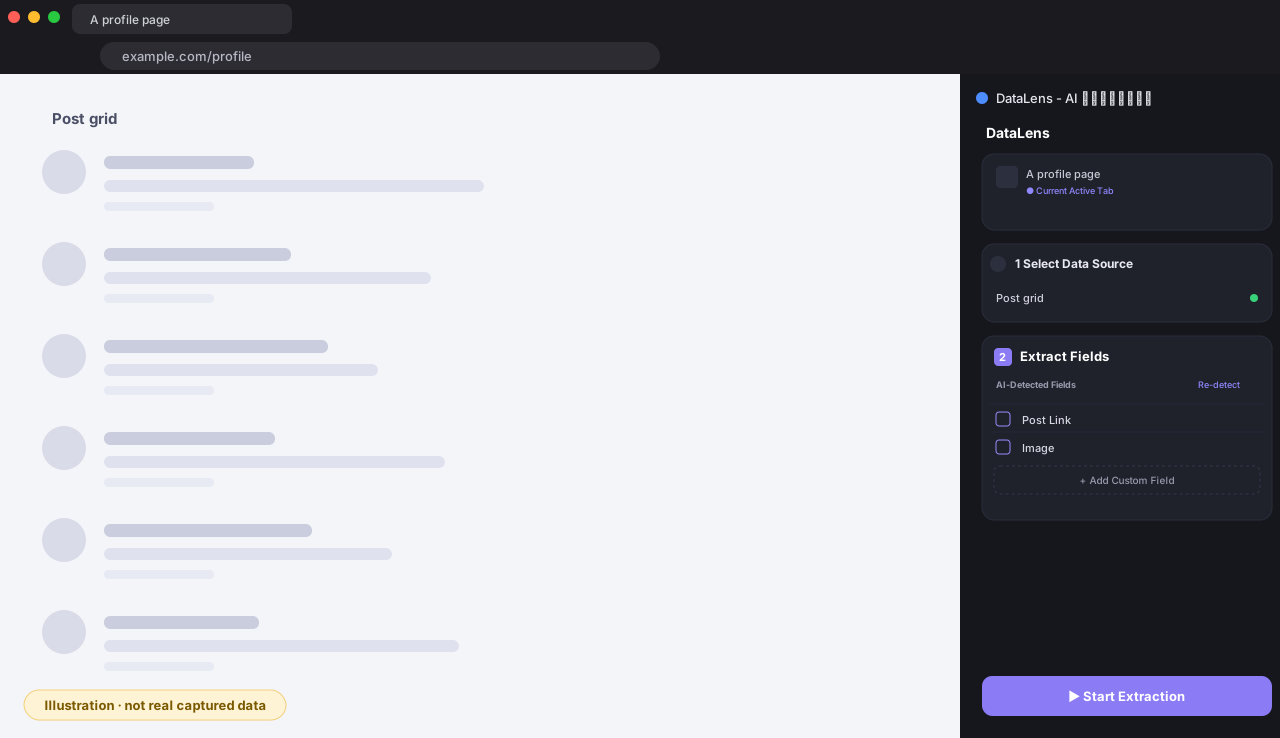
Instagram only shows posts one tile at a time. One run turns the post grid of a profile into rows of post links you can sort, filter and download.
Instagram shows one profile at a time. You export one profile per run and merge the files yourself, so post links from several accounts end up in one sheet.
It runs in your own browser with your own Instagram login, with no proxy and no data-center requests, so there is no Instagram API key to apply for.
| Post link | Cover image URL |
|---|---|
| https://www.instagram.com/nasa/reel/DeTUk4sDSp-/ | https://instagram.fakl5-1.fna.fbcdn.net/… |
| https://www.instagram.com/nasawebb/p/DeJ28eTxo4s/ | https://instagram.fakl4-1.fna.fbcdn.net/… |
| https://www.instagram.com/nasa/p/DeAYvsnn4la/ | https://instagram.fakl4-1.fna.fbcdn.net/… |
| https://www.instagram.com/nasa/p/DfPwMUfl2zd/ | https://instagram.fakl4-1.fna.fbcdn.net/… |
Sample collected on November 3, 2026 from a real run.
An influencer marketer shortlists creators in one niche, exports each profile separately, and merges the files into one sheet of post links to review.
A brand team keeps a list of a competitor account post links in a spreadsheet and re-exports it each month to see what is new.
A social media manager wants every post link of their own account in one file for a quarterly review.
Short answers to what people usually ask before installing.
No. In our test on 2026-10-13, signed-out visitors to a public profile and a post page were met with a login dialog and nothing could be read. Sign in to Instagram in your own browser first, then open the profile.
Two columns: the post link and the cover image URL. In our run on 2026-11-03 we did not get like counts, comment counts, post dates or caption text.
No. The image URLs are signed and carry an expiry parameter, so they stop working after a while. Download the images soon after exporting.
The grid can include collaboration posts and posts where the profile was tagged, so the account name inside a link is not always the profile you opened. In our 30-row run, 20 links belonged to the profile and 10 to other accounts. Filter on the link in your spreadsheet if you only want the profile own posts.
No. You open one profile at a time and run an export for each, then merge the files yourself.
The extension is free to install, and collecting one row costs 1 credit.
Free Chrome & Edge extension. Sign in and start.
You start with 100 free credits, enough to try your first table. Top up only when you need more.